
Overview
1 Overview of the Reports
Section titled “1 Overview of the Reports”Glossary
| KPI | Key Performance Indicator, also used as a generic term for visualisation components on a dashboard (e.g. Dial, Gauge, Status Indicator etc.) |
| Tag | An industry term for the name (or ID) of the timeseries data for a sensor in a data historian. All equipment in a facility is “tagged” with a unique identifier, and these unique identifiers are commonly referred to as “tags”. |
1.1 What are the Reports
Section titled “1.1 What are the Reports”The Reports is a standard module in Ingenuity which enables users to:
- Create, schedule and distribute reports.
- Turn any dashboard or a Logbook instance into a report.
- Issue reports via email.
- Create versions of a report for different audiences.
- Retain the history of issued reports in the static format.
- Search and retrieve past reports.
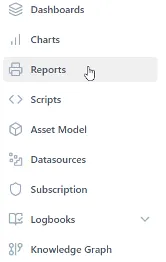
It is accessed via the “Reports” entry in the left-hand panel.
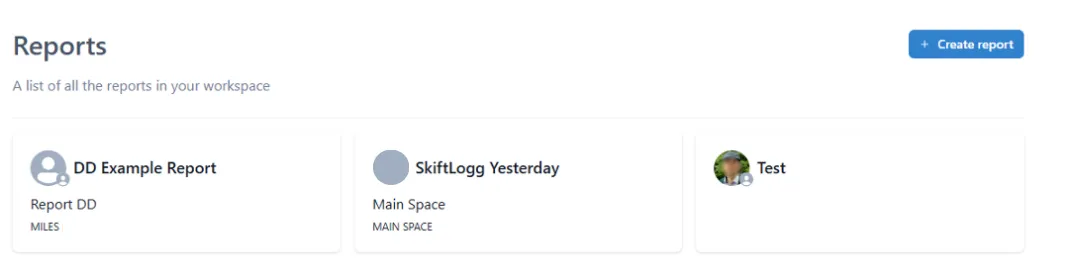
The Reports lets the user to manage and trigger the existing reports or create new reports.