
How to Search
2 How to search issued reports
Section titled “2 How to search issued reports”2.1 Global Search
Section titled “2.1 Global Search”[Not exist] Start typing the name of the report you would like access.

2.2 Drill down to Issued Reports
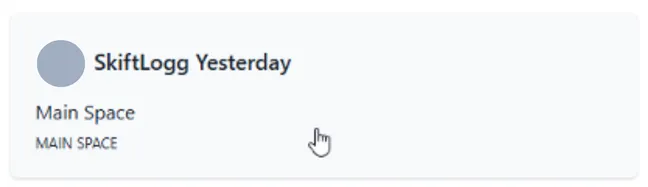
Section titled “2.2 Drill down to Issued Reports”Go to ‘Reports’ and click a desired report
Within the report definition detail click ‘View issued reports’
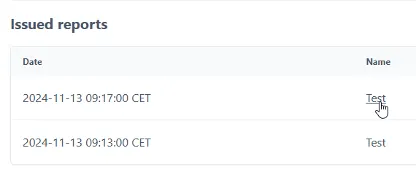
The list of ‘Issued reports’ is presented. Click on a desired issued report to view